


Why converting everything to one currency doesn't work
A common approach is to convert everything to a single currency at the day's exchange rate. The problem is that today's rate isn't the one you paid, nor the one you'll use when you pay back a debt. When you convert, totals change on their own and debts stop adding up.
In Peru and much of Latin America it's normal to handle soles and dollars at the same time, and add a third currency when traveling. That's what an app that respects each currency, instead of mixing them, is for.
Minkay's approach: every amount with its currency
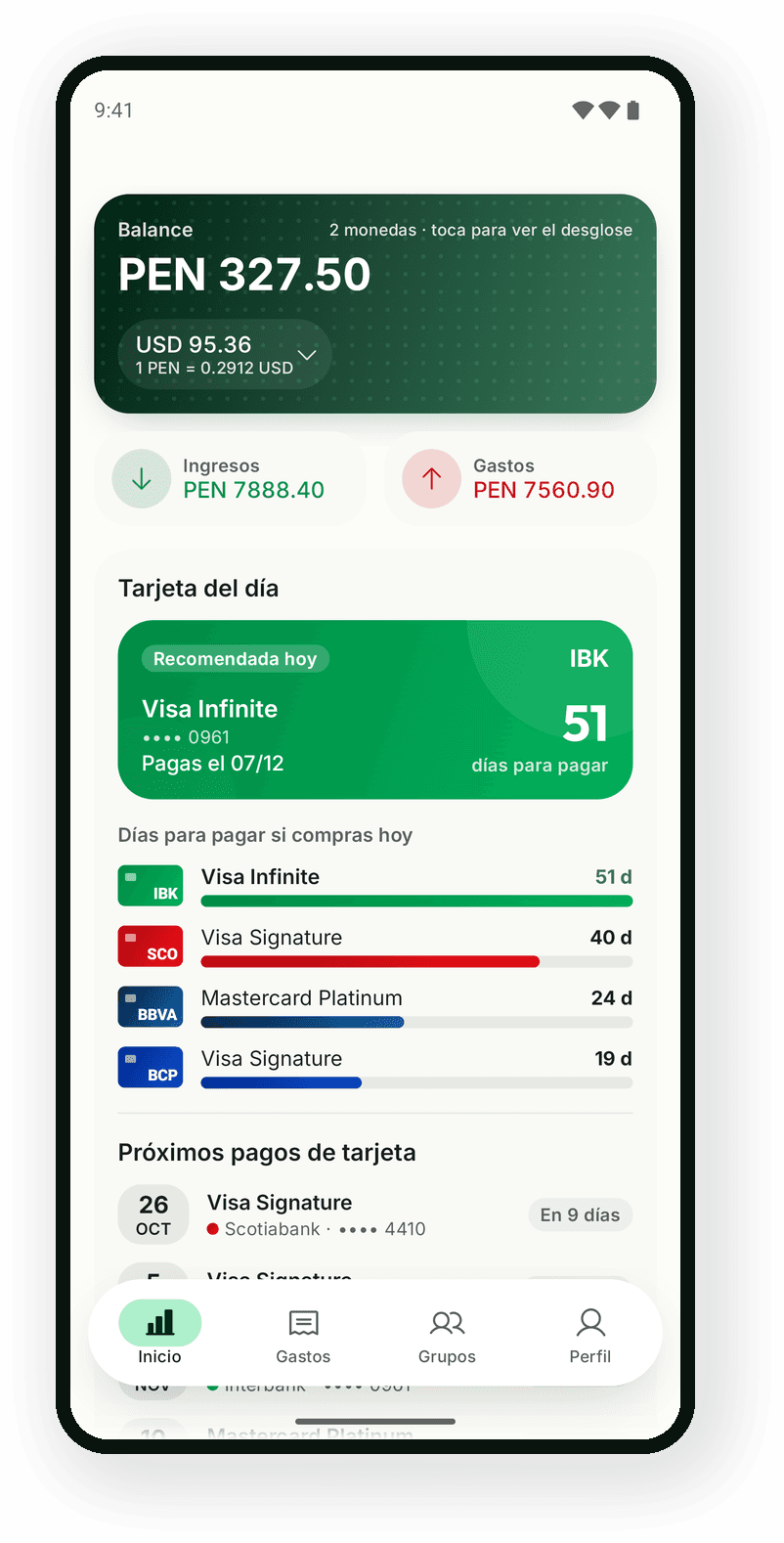
In Minkay money is always stored as an amount and a currency. Totals are calculated per currency: if you spent in soles and dollars this month, you'll see two totals, not one converted figure. Multi-currency views show the predominant currency and you can expand to see the rest, or pick one with the selector.
The same goes for debts: in a group, what was spent in dollars is owed and settled in dollars, and what was spent in soles, in soles. Each currency's debts are independent and never cross. The exchange rates screen is for reference only: it doesn't change your balances.
- Expenses, income, budgets and goals each with their own currency.
- Travel groups with expenses in several currencies in the same group.
- Partial payments that reduce the debt in its own currency.
- Reports and PDF export per currency.
Great for trips, saving in dollars and remote work
When you travel, log each expense in the local currency and when you're back everyone settles what they owe in that same currency. If you save in dollars or get paid in another currency, your balance shows each one separately and you know exactly how much you have in each.
Multi-currency support is part of the Free plan, with no ads. Minkay works offline, so you can log at the airport or on the mountain and sync later.